The promise that the lenses you already own can survive a move to a new system is the biggest comfort during a system transition. One adapter and a decade of glass keeps working. But once you mount it, autofocus slows, some lenses lose aperture control, and a few cannot reach infinity. An adapter is not a piece of metal that joins two mounts; it bridges optics and electronics at the same time, and you need to know what happens in between.
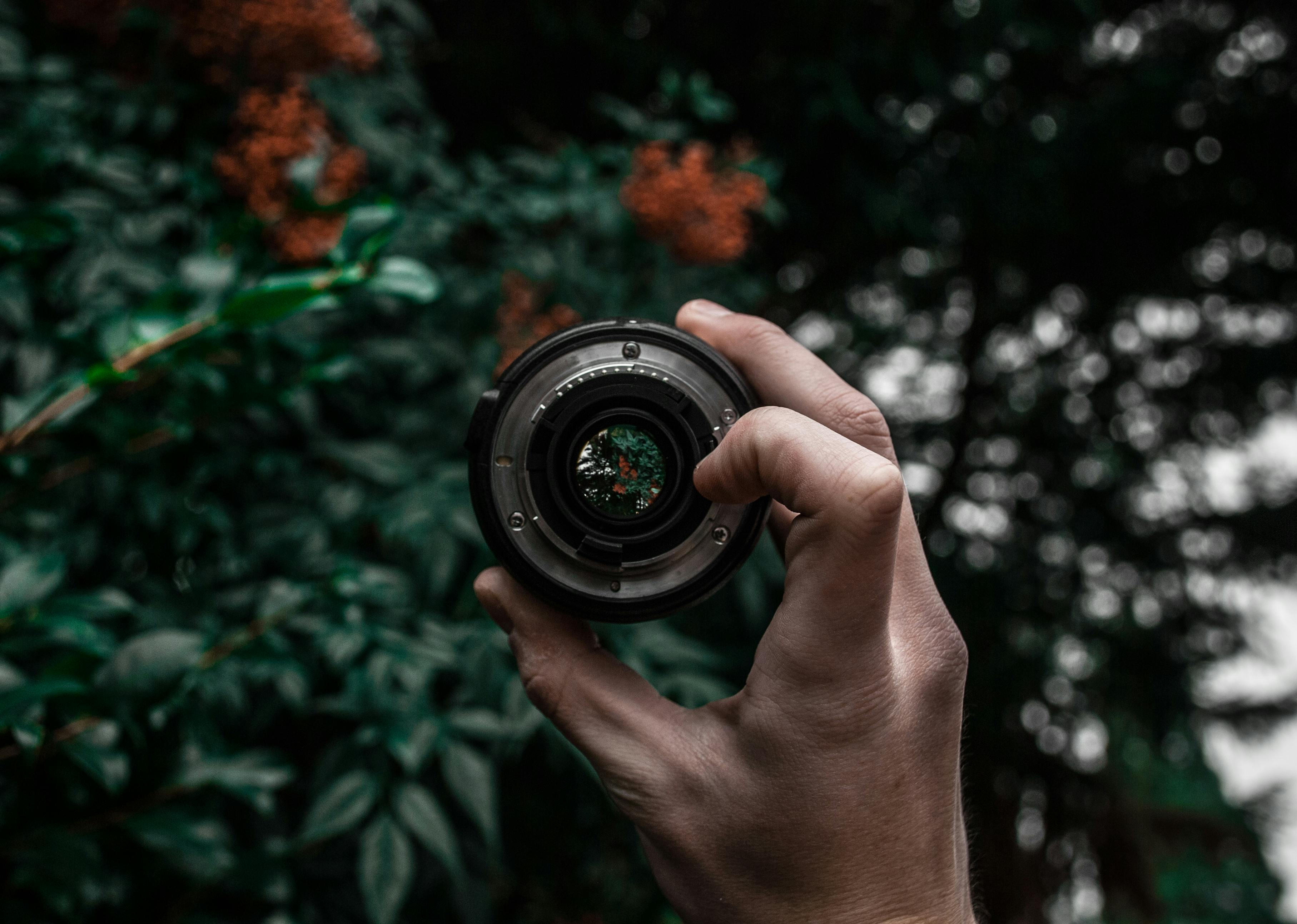
Flange distance defines everything
The distance from the lens mount to the sensor is the flange focal distance. That distance is what allows a lens to reach infinity focus by design. Canon EF is 44mm, Nikon F is 46.5mm, mirrorless mounts like Sony E sit around 18mm, Canon RF around 20mm, Nikon Z at 16mm. Mirrorless flange distance is short because there is no mirror box, and that short distance leaves room to slot an adapter between the body and a DSLR lens. If the adapter restores the original flange distance, infinity focus lands correctly.
For a deeper treatment of flange distances, this comprehensive guide to lens adapters for video covers which mount-to-mount combinations work with a simple adapter and which require optical correction, with diagrams that make the geometry obvious.
Passive versus active adapters
A passive adapter is just a metal ring. No electronic signal. Manual focus only, aperture control only on lenses with their own aperture ring. They cost very little, sometimes as little as ten or twenty dollars. For old manual lenses, passive is everything you need.
Active adapters contain electronics. They translate the signal between the camera and the lens, enabling autofocus, aperture control, and EXIF data transfer. Within a single manufacturer’s range — a Canon EF lens on a Canon RF body using Canon’s own adapter — almost every EF lens keeps its original AF behavior. Adapters that cross brands, like a Canon EF lens on Sony E through Metabones, work surprisingly well in many cases but slow a step on some lenses and hunt visibly on others.
The reality of AF compatibility
AF compatibility on active adapters varies lens by lens. The same adapter may focus a Canon 24-70mm L cleanly but lag on a 70-200mm L IS II. A Sigma Art lens might work perfectly on one firmware revision and stumble on the next. Adapter manufacturers publish compatibility lists, but the lists themselves shift between camera bodies. Every new body release waits for adapter firmware to catch up.
The safe approach in practice is to pick the two or three lenses you use most and choose an adapter that handles them well, rather than chase universal compatibility. No adapter is perfect across every lens. Metabones, Sigma MC-11, Canon’s first-party adapters, and Sony’s LA-EA5 each have their own list of strong lenses. This hands-on review of Metabones adapters walks through which lenses behave well on specific Metabones models — useful first reading when choosing.
Speed boosters are a different tool
A regular adapter does nothing optically. A speed booster contains a small optical element. When you mount a full-frame lens to an APS-C body through a speed booster, the booster compresses the lens’s image circle to fit the APS-C sensor. The angle of view comes back close to full frame and the maximum aperture brightens by about a stop. An f/2.8 lens behaves like roughly f/2. For anyone who wants to keep full-frame glass alive on an APS-C mirrorless, this is the most attractive option.
The optical element comes with a small cost. The best models are hard to distinguish from a direct mount, but cheaper speed boosters soften corner sharpness and slightly alter bokeh shape. On a full-frame mirrorless body, speed boosters serve no purpose; there is no image circle to compress.
In-body stabilization mostly survives
Most modern mirrorless bodies have in-body image stabilization. IBIS continues to work with adapted lenses, but the body needs to know the focal length to stabilize accurately. Active adapters pass EXIF through, so this happens automatically. With a passive adapter and an old manual lens, the focal length must be entered in the body’s menu by hand: 50 for a 50mm, 135 for a 135mm. Skip this step and IBIS sometimes corrects in the wrong direction.
Practical: small habits when mounting
Combine adapter and lens first, then mount the combination to the camera. Mounting the adapter to the camera first and then attaching the lens works, but the center of gravity shifts and the mount carries more strain. With long telephoto lenses on an adapter, the lens needs its own tripod foot. A small camera body holding the entire weight of a long lens through one mount eventually slackens that mount.
Watch for dust. Mounting an adapter exposes two mount surfaces in sequence. Dust entering at that moment ends up on the sensor. Mount adapters indoors, away from wind, when possible. Outside, body-blocking the wind with the bag helps.
The place of mount adapters
An adapter is not a permanent solution. It is a transitional tool that moves your existing lenses into a new system. Over time, native lenses for the new mount grow, and those native lenses always work better mounted directly. The lenses you carry through an adapter do their job, but when buying new, prefer native options. An adapter is a bridge to help you cross; living on the bridge is not the goal.
The wider arc of moving systems via adapters is covered in the overview of lens adapting. How a single mount can be revived on different cameras with different adapters, and which path makes sense when, is laid out there.
Buying adapters used
The cost of a new adapter is enough that many people look at used. Adapters are precision parts, but most used copies are fine. A few things to check. First, contact wear. If the electronic pins inside the mount are blackened or bent, communication errors follow. Second, smoothness of the rotation. Resistance when mounting or dismounting means parts inside are out of alignment. Third, firmware history. Active adapters need recent firmware to keep up with new camera bodies. If the seller does not list a version, ask.
Before buying used, search for reports of your specific lens-body-adapter combination. The same adapter behaves differently across bodies, and what runs cleanly on one camera hunts on another. One or two user reports in an online forum often save a long round of trial and error.
One last point about adapter usage is the weight balance. A long telephoto adapted onto a small mirrorless body shifts the center of gravity heavily toward the lens. Handheld shooting becomes a wrist strain after an hour. Lenses with a tripod collar can be supported by the collar instead. Some adapters include a separate grip mount as well; the same weight, distributed across both hands, extends working sessions considerably.
A final note for the curious. Working with adapters is partly economic and partly a kind of time travel through optics. A 1970s German lens with soft bokeh, a 1980s Japanese design with firm contrast, a 1990s American lens with warm color — all of them meeting a modern digital sensor through a single piece of metal. That meeting produces images that no new lens can produce. The adapter is a tool, but it is also a connection across time, and the result is something worth taking seriously.