People often believe that turning the exposure dial one click makes the photo exactly one stop darker. In practice it is rarely that clean. How the camera meters the scene, how the subject reflects light, and most of all how the rear screen renders the result all bend what looks like a simple adjustment into something else. Reduce exposure to the sum of shutter speed, aperture, and ISO and it works most of the time; when it does not, the reason stays hidden.
Meters average, they do not tell the truth
Most digital cameras try to push the average luminance of a scene toward 18 percent gray. A field of snow and a man in a black suit look like the same gray to the meter. That is why automatic exposure turns a white wall slightly muddy and makes a close-up of a black cat look surprisingly bright. The gray reference shifts a little between manufacturers, and shifts a lot between metering modes. Evaluative metering weighs many zones, spot metering reads one point only. The same scene can swing more than a stop when you change modes.
To build an intuition for these differences it helps to look at a standard reference for what each mode actually does. This walkthrough of metering and exposure lays out where evaluative, center-weighted, and spot metering each shine and each fail. Before you turn the dial, it is worth knowing what the camera is even looking at.
The dial moves a compensation value, not exposure itself
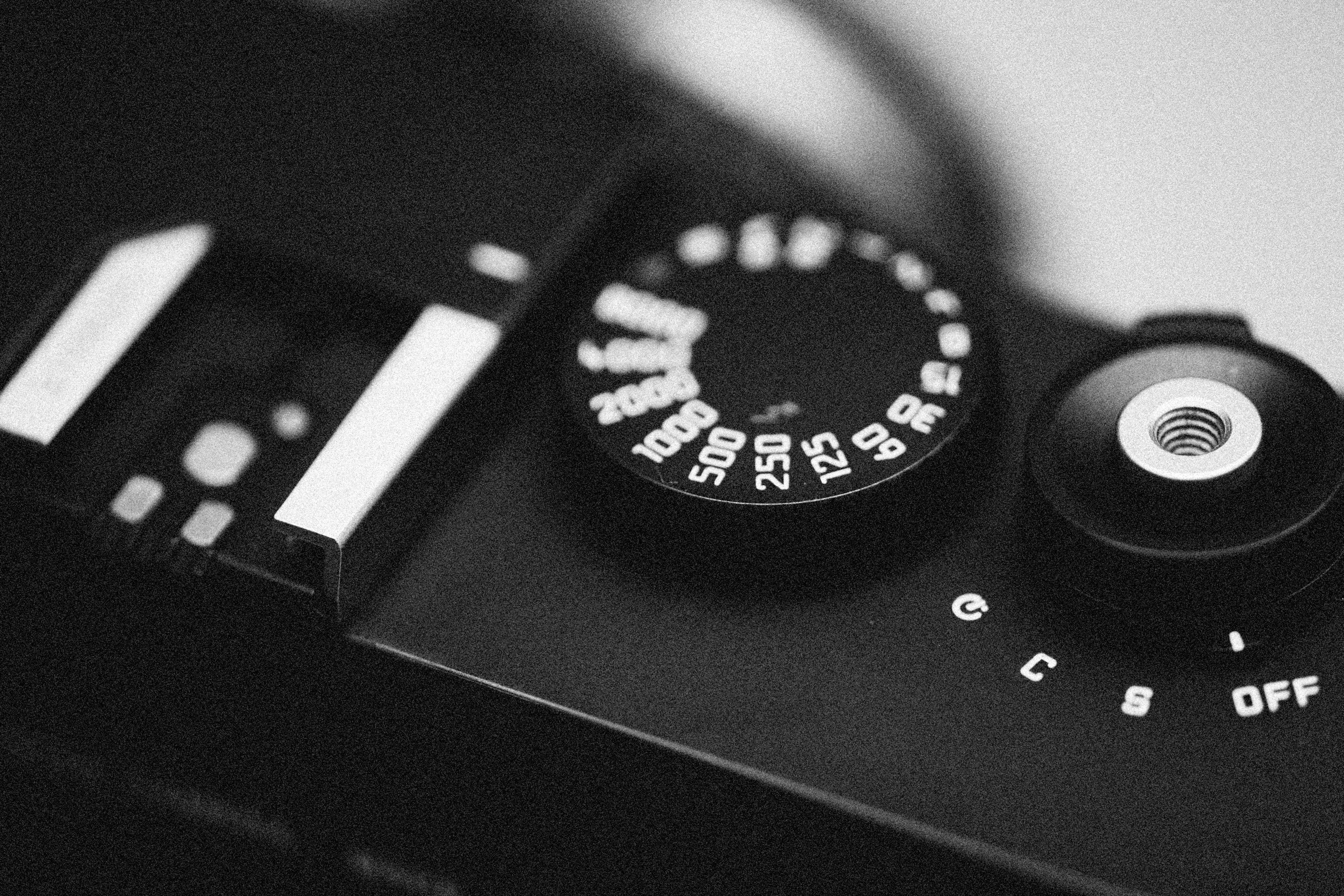
The exposure compensation dial delegates the actual change to one of shutter, aperture, or ISO depending on mode. In aperture priority, dialing up lengthens the shutter. In shutter priority, the aperture opens. With auto ISO on, the camera reaches for ISO when both of those are pinned. The same one-stop push lands in a different place each time, which is why the resulting image gains noise, motion blur, or shallower depth of field rather than just brightness. Looking at the dial really means tracking which variable just moved behind it.
The fastest way to follow this is to keep the exposure readout visible alongside the dial. With shutter, aperture, and ISO showing in the EVF or rear panel, dialing in or out becomes a transparent operation. Lock the mode so only shutter changes at first, build the feel, then turn off auto ISO and step into full manual. Going in that order keeps each new variable from arriving as a surprise.
Screen brightness will turn the dial against you
The rear LCD adjusts brightness automatically based on ambient light, or you set it by hand. That brightness setting silently shapes how you judge exposure. Crank it up in a dim room and an image that is actually a stop dark will look correct on screen. Look at the same file outside in sun and the underexposure becomes obvious. The dial did not move and yet the verdict changed. The safest escape is to stop trusting the screen and start trusting the histogram. A longer note on what the rear panel can and cannot tell you sits in reading your camera screen.
The histogram shows what the dial actually did
Histograms do not flinch with screen brightness. They are drawn from the pixel data, which means they read the same way in a cave and on a beach. A stop of positive compensation slides the whole graph to the right. Pile pixels against the right wall and the highlights are clipped, and no further turn of the dial recovers them. Data that has been clipped is data that is gone.
Read two things off the graph. First, whether either end is hitting a wall. Both ends pinned means the scene’s dynamic range exceeds what the sensor can hold. Second, where the main peak sits. A peak in the middle is just the meter’s default attempt at 18 percent gray and is not necessarily the correct exposure for the scene. A snowfield should have its peak on the right; a dark portrait should sit to the left.
Expose to the right, but stop short of clipping
RAW shooters have long used a technique of pushing the histogram as far right as possible without blowing the highlights. Digital sensors store more tonal information in the brighter end, so placing the exposure to the right and pulling it back a stop in post can leave less noise in the shadows. The full case for and against this approach is laid out in this detailed discussion of digital exposure strategy. Just remember the gain is small if you only shoot JPEG: the tone curve has already baked into the file at the moment of capture.
The dial is a tool, the decision happens elsewhere
With time, the habit of reading the scene before reaching for the dial becomes automatic. You estimate where the brightest highlight and deepest shadow sit, whether their gap fits inside the sensor’s range, then decide which end to protect and which to let go. Only then do you turn the dial. The dial executes the decision; it is not the decision itself.
Once this flow lands, you check the rear screen far less often. You already know roughly what the histogram will show. When it still surprises you, the first suspect is usually screen brightness; the second is the metering mode quietly being set to something you did not intend. Eliminate those two and only then ask the dial to do more work.
A few drills that build the feel quickly
Some simple exercises sharpen the instinct quickly. First, photograph the same scene at half-stop intervals from minus two to plus two of compensation. Nine frames laid side by side teaches the hand and eye what each click actually changes. Second, hunt deliberately for tricky scenes — a person backlit against a window, a model holding white paper while wearing black, a crow on snow. Watching the meter swing on these scenes means the next time you meet them, you turn the dial before you shoot. Third, shoot RAW only for a month and write down how far you had to move the exposure slider in post. Patterns appear: your camera meter leans a certain way, and once you know that, you compensate for it ahead of time. A fourth exercise is rotating metering modes on the same scene — evaluative, center-weighted, spot in sequence — to see which mode does what in which kind of light.
Know when the dial cannot save the frame
Some scenes refuse to be solved by the dial alone. Dynamic range that exceeds the sensor is the usual case: a subject in deep shade against direct noon sun, an interior with a bright window. Wherever you put the dial, one end loses. Bracketing several exposures and blending them, dropping a graduated ND on the sky, or filling shadows with flash are all moves the dial alone cannot make. Knowing which problems the dial can solve and which it cannot matters as much as turning it well.
This whole note is anchored in still photography. Move into video and exposure binds together with shutter angle, frame rate, and ND filters in a different game. Cross-reading the video and live notes shows how the same dial does a different job in motion work.
What separates two photographers using the same dial is, in the end, the judgment behind it. A well-built camera has an accurate dial, not an automatic shortcut to a good result. Good photographs come from the meeting of a good tool and a good decision, and the dial is the smallest possible bridge between the two.